To setup a new Winlink Account you need and PC and Internet connection.
Your Winlink account will be setup after you run the program the first time and complete the steps.
Go to winlink.org to download the winlink client software here
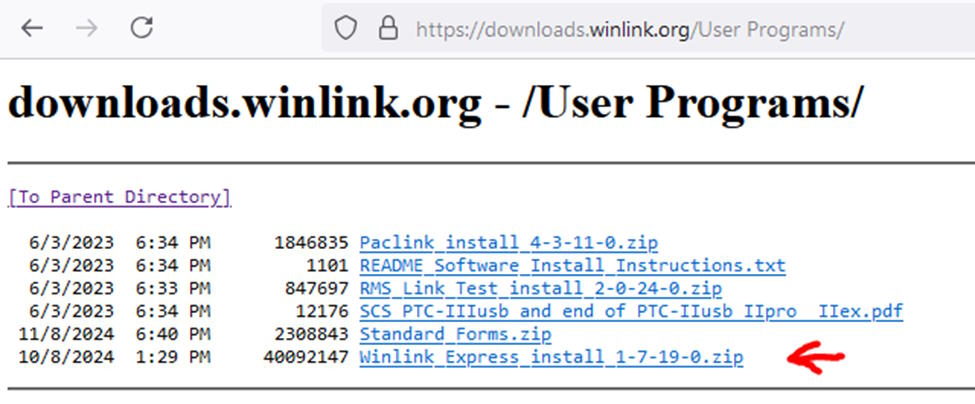
Extract the download zip file.

Right click the install file above and run as Administrator
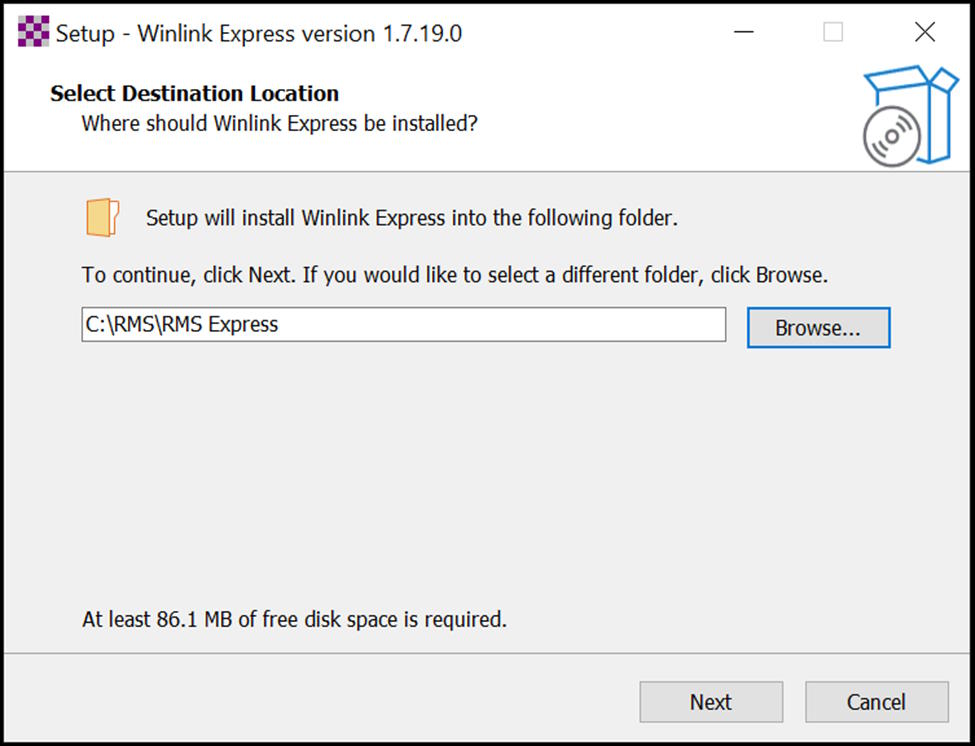
Keep the default directory and click next to install
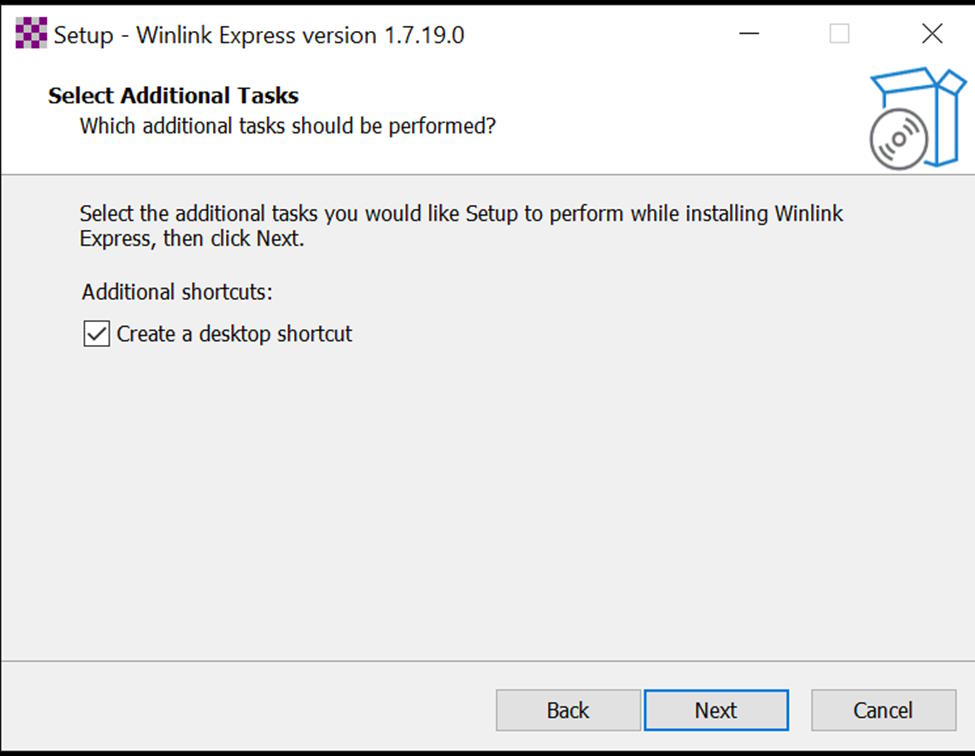
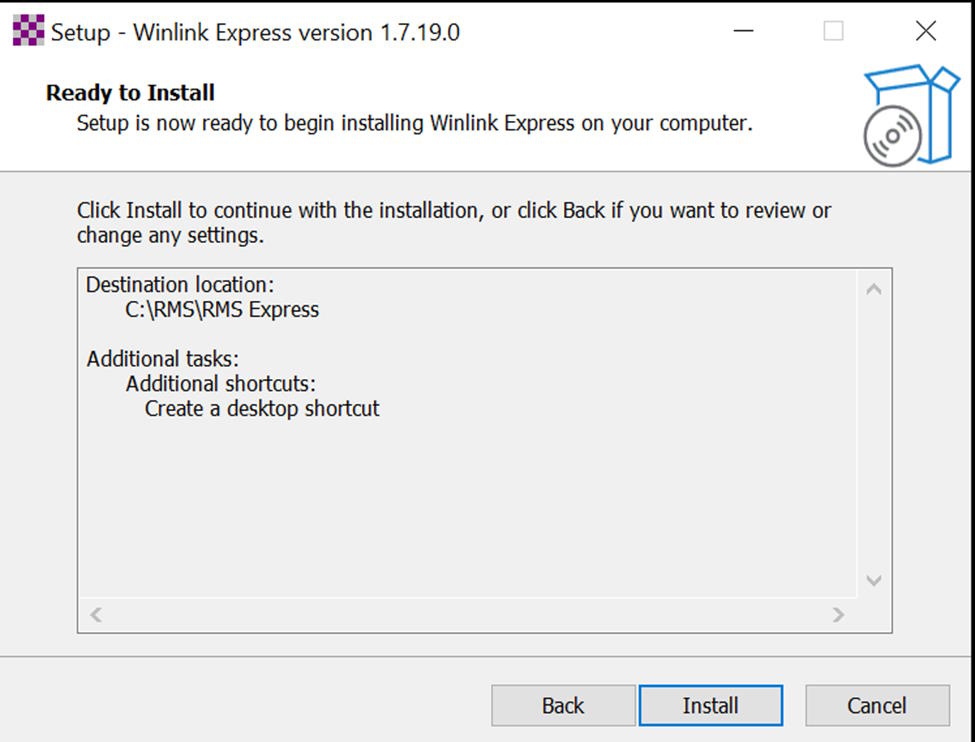
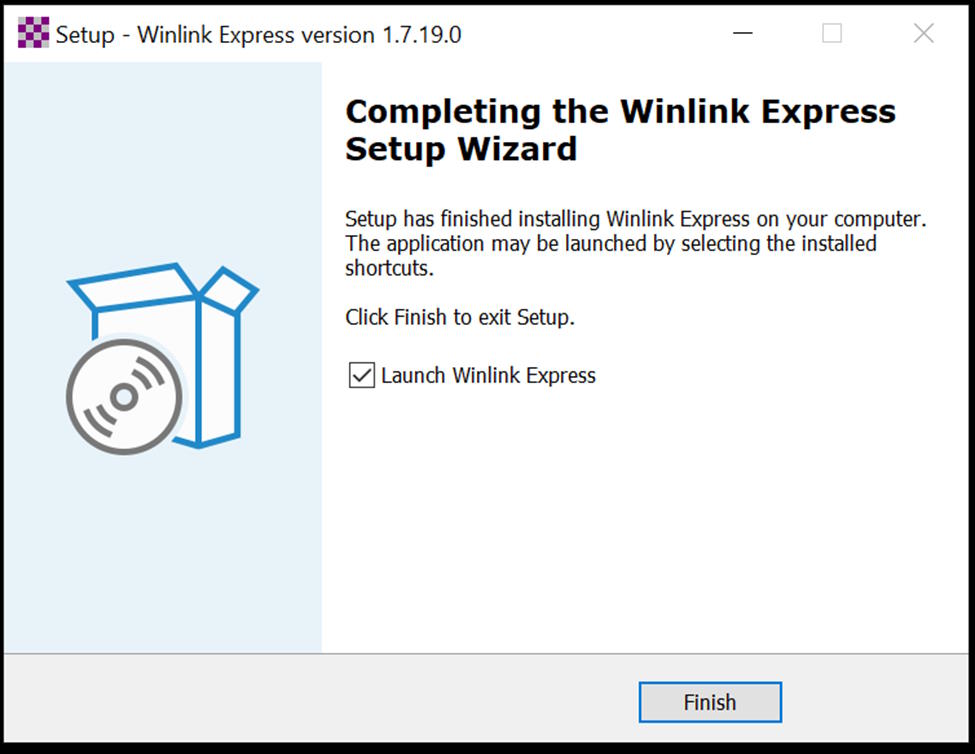
Winlink client will launch and present the main screen:
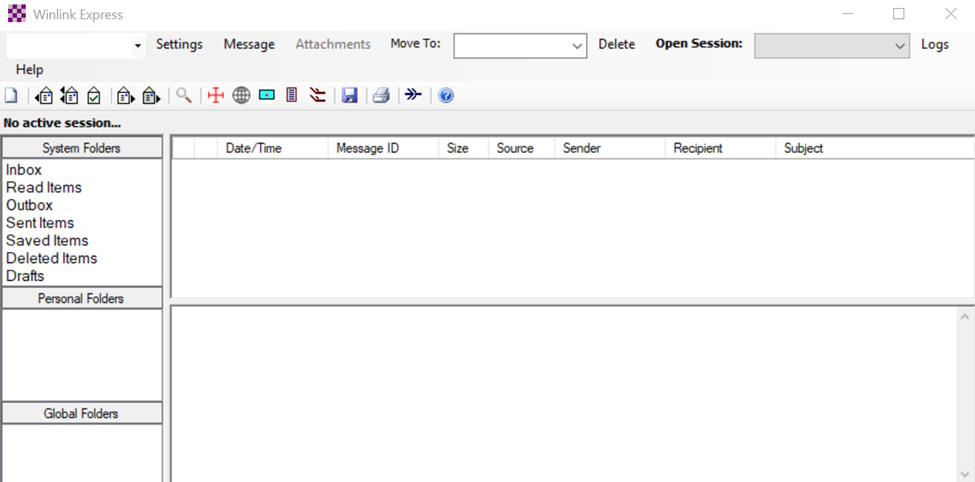
And then the setting screen next:
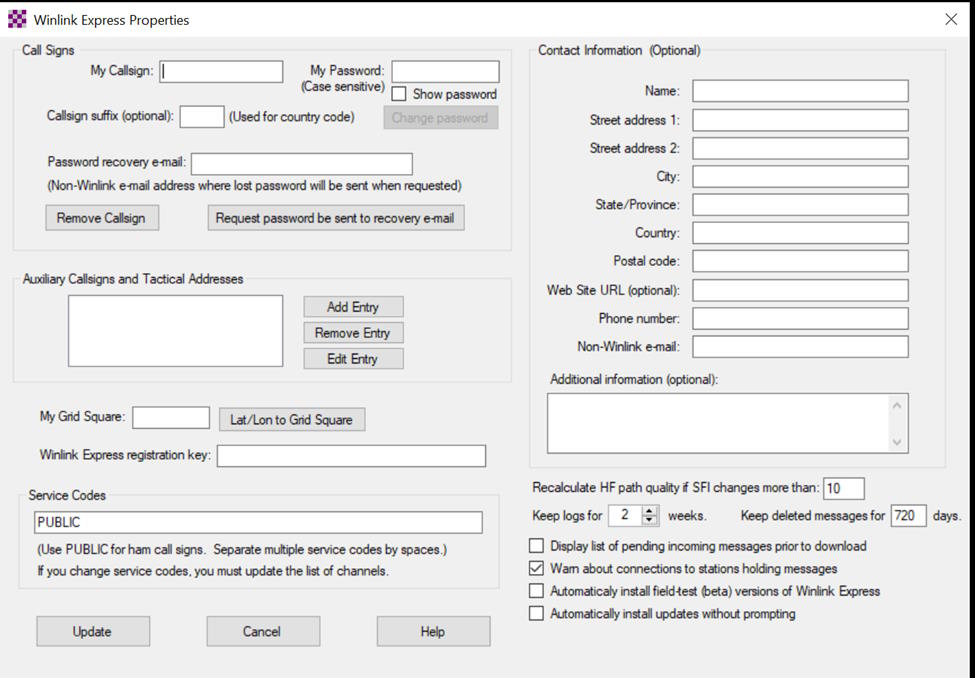
Fill up:
Callsign
password of your choice
Password recovery email
Grid Square
Click the update button
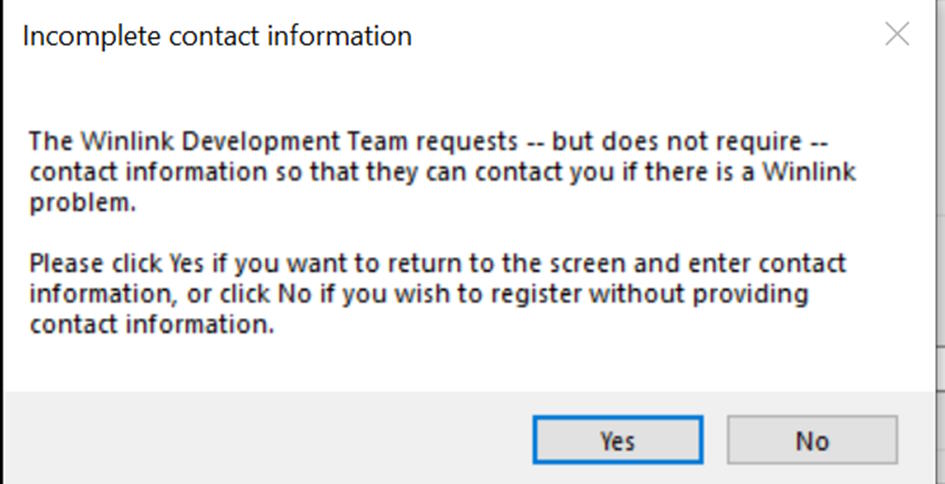
Click no to complete the setting. you may add your information later.
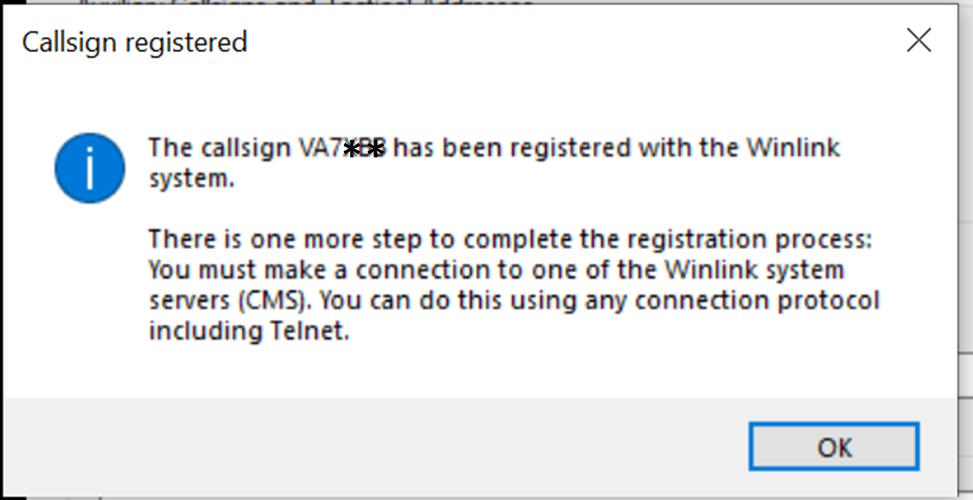
Click OK
You may be presented with the following screen:
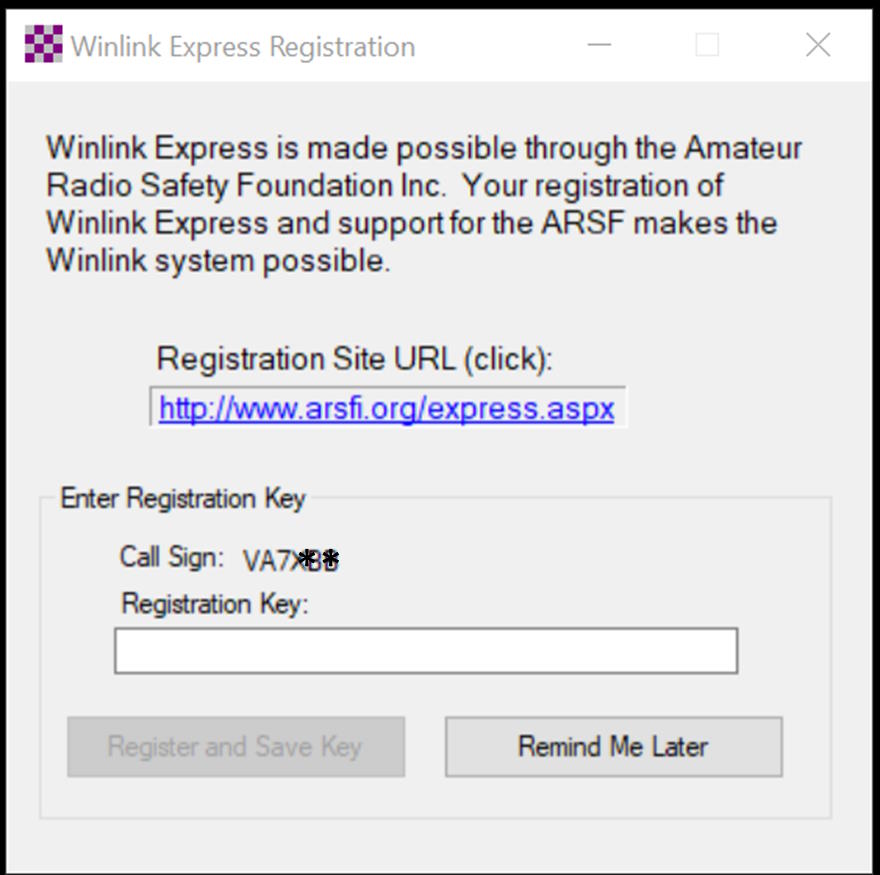
Click Remind Me Later, I encourage you to later register and contribute a small fee to the foundation.
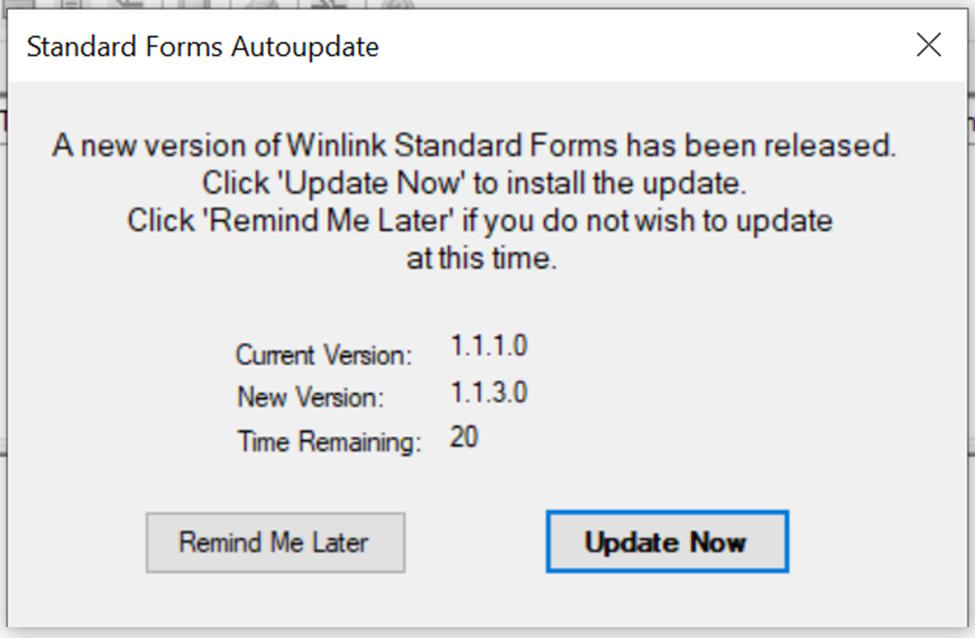
You may also asked to update the forms, click Update Now and then OK below
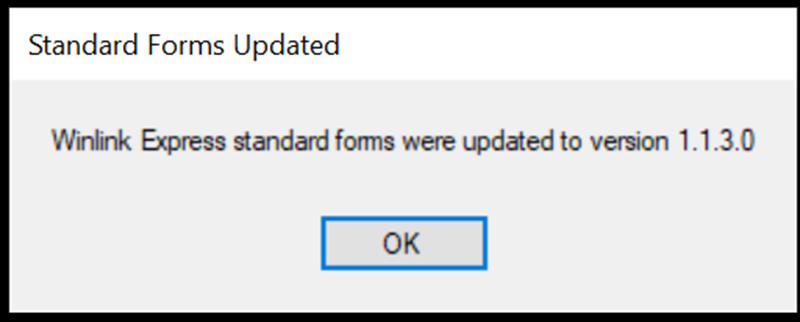
and you have 1 more step to go, that is to start a Telnet session to complete the registration.
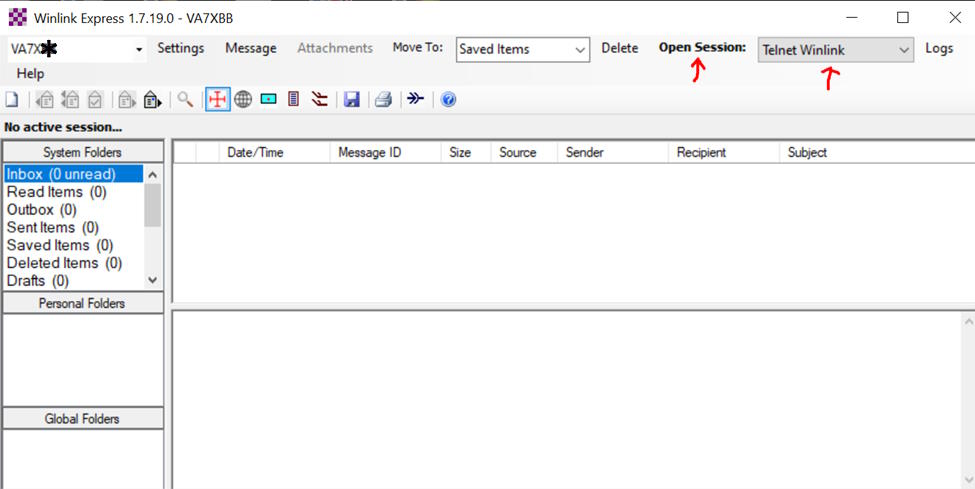
Ensure that Telnet Winlink is show on the drop down
Click Open Session
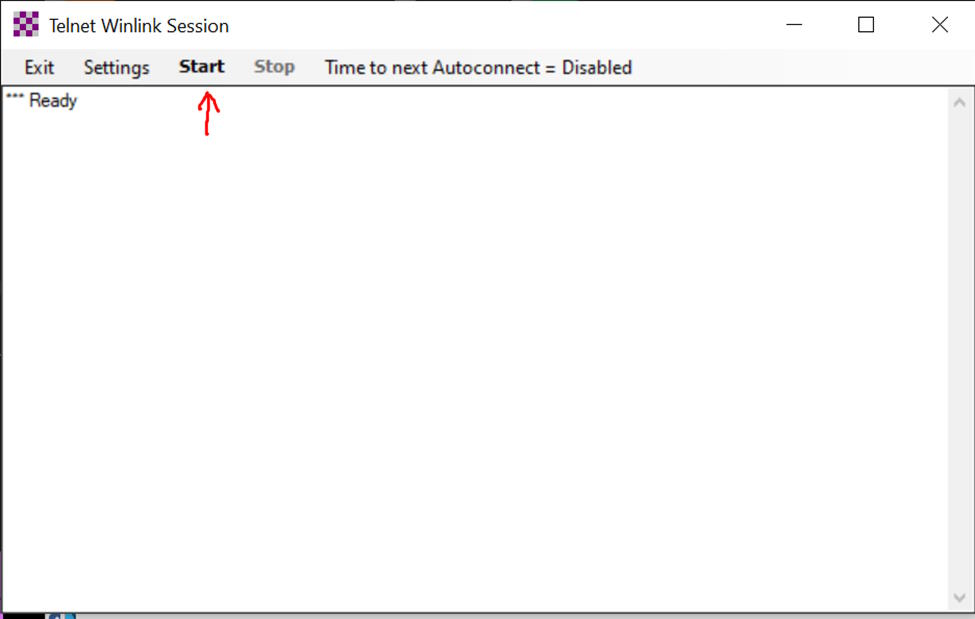
Click Start
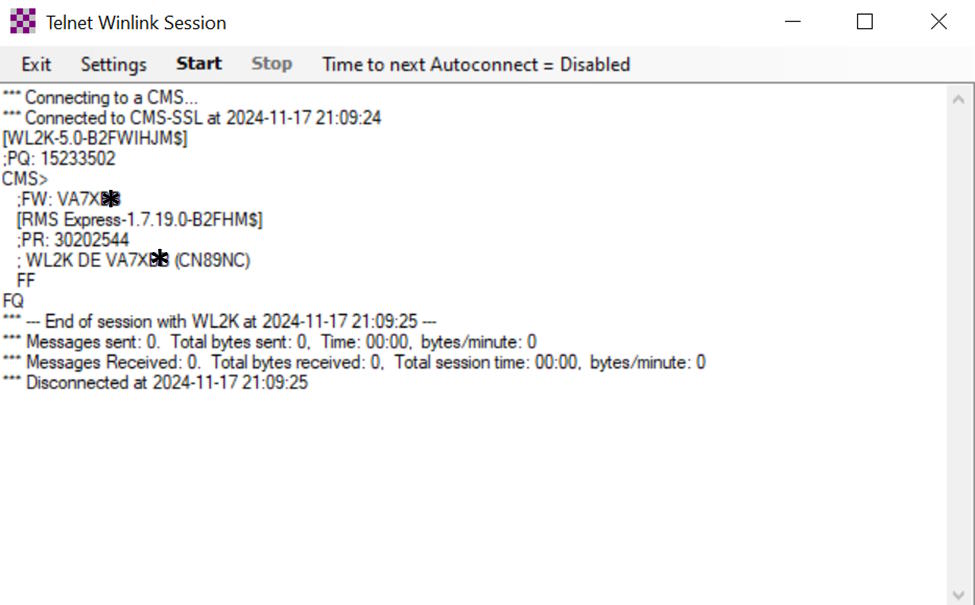
Congratulations, you have completed your Winlink account creation.
Your account will be deleted if it is non active for 400 days.